Gamma correction, 16-bit Images for Image Processing
4.203 4.562 Instructor : Prof. Takehiko NagakuraLast modified : 2025.12.08
This site is for use by MIT 4562 students only.
2011 All Rights Reserved.
Images Produced by T. Nagakura
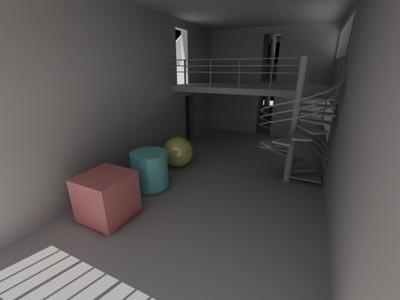
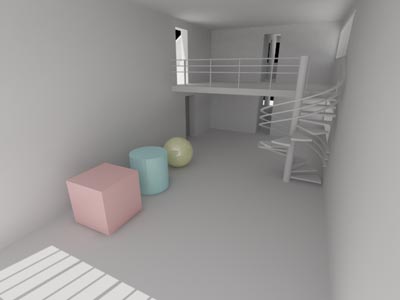
3DS Max Radiosity, Gamma correction comparisons
| Imges below use the same solution file but with different Gamma settings. | ||
 |
 |
|
| Gamma correction disabled |
Gamma 2.2 curve applied |
|
[2025.08]
The mapping between the color represented by RGB values and how it appears on
computer screen, print out, etc. can be adjusted for different purposes.
3DS Max has offered Gamma/LUT dialog that uses the simple idea of Gamma
value as means to control this adjustment/compensation, especialy about brightness of the color,
until recently.
3DS Max 2025 says
"3DS Max default Color Management mode changed from Gamma to OpenColoIO, using ACEScg as the rendering color space"
In this new version, the default Gamma/LUT dialog is replaced by
Color Management Setting dialog, which is a more comprehensive tool, uses
the idea of general mapping between two color spaces, and made on the new standard (OCIO).
With the new tool, you can select between rendering to create an image with or without
a particuler color correction built-in. You can also make the image made withut color correction
and apply some color correction when you view it.
-
Color Management in 3DS Max manual
- Audodesk video introduction of OCIO
- use case video in V-Ray + 3DS
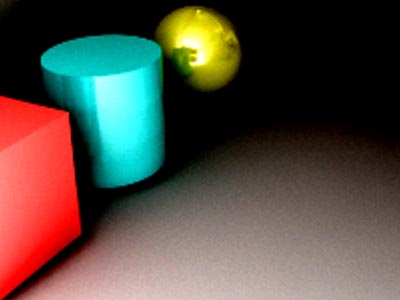
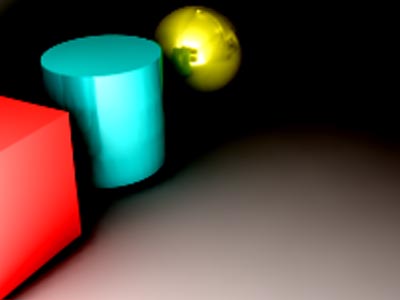
3DS Max Radiosity, 8bit/16-bit image format comparison
|
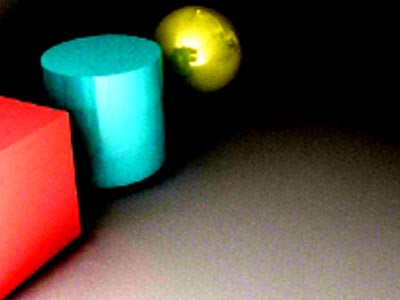
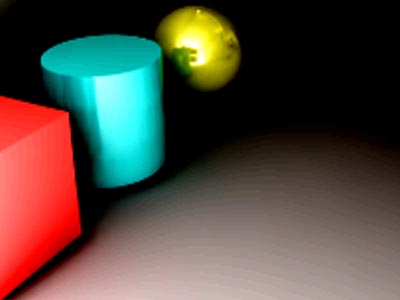
All images below come from the same solution file, and saved in different formats. Then the same Photoshop CS5 level curve were applied. Note that in Premiere CS5, you would need to use 32-bit effect for 16-bit images. | ||
 |
 |
|
| JPEG (24 bit color): some colored noise |
TIF (24 bit color): visible banding |
|
 |
 |
|
| PNG (24 bit color): some colored noise |
PNG (48 bit color): smooth |
|