Daylight
Lightscape can achieve a very high degree of reaslim when simulating daylight on your model, especially when processing parameters are well defined.
If you are considering daylight for your model, select Light>Daylight from the menu.
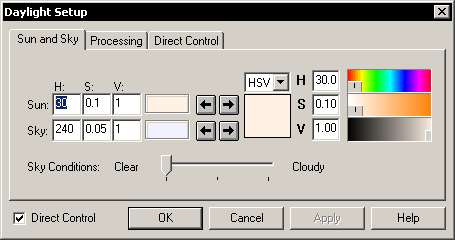
- Sun and Sky: specify the color of sunlight and skyligh.
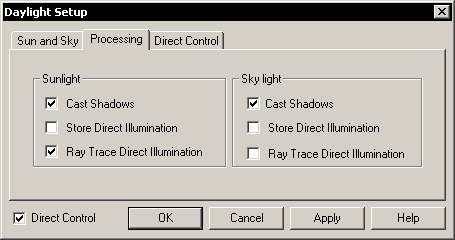
- Daylight Processing Options. If you want to transfer your file to 3DS Max, you should not store direct illumination (uncheck the boxes) because 3DSMax will recompute direct illumination when raytracing.
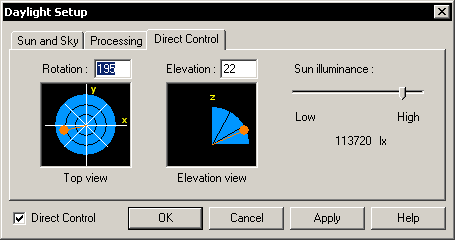
- Direct Control: specify directly sun location and intensity.
- Date/Time: specify a place (also orientation of your model) and time. Lightscape will calculate sun location for you.
or
Artificial Light